We got a bit of functionality to show. There is now a github repository. https://github.com/lennart-benschop/term_bitmap. The library works in the Linux terminal and it is 13kB in size. It can be statically linked against your own programs to allow them to draw graphs in a Linux terminal.
It can draw graphs in terminals in the following ways:
- Sixel protocol: supported by the original xterm, but also by KDE Konsole, Wezterm, foot and some other modern terminals.
- Kitty protocol: supported by kitty, ghostty and some other modern terminals.
- Linux framebuffer: supported by the Linux console outside the graphical desktop.
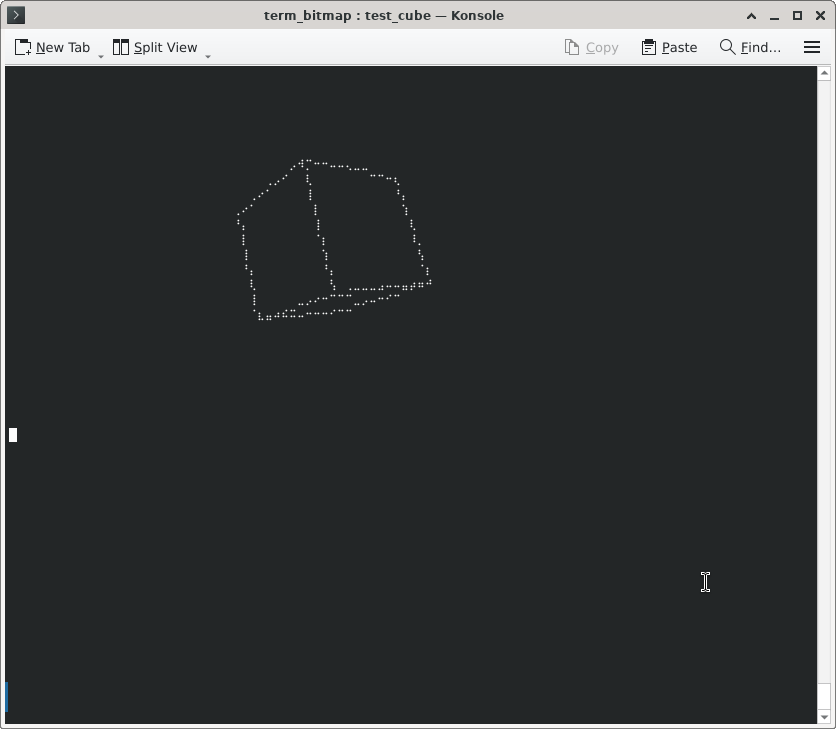
Apart from this, it can draw character-based graphics using sextants, octants and braille characters, all in monochrome. These have a much lower resolution than the true graphics modes, but they work on more terminals.
A spinning cube (wire outline) using braille characters looks like this::
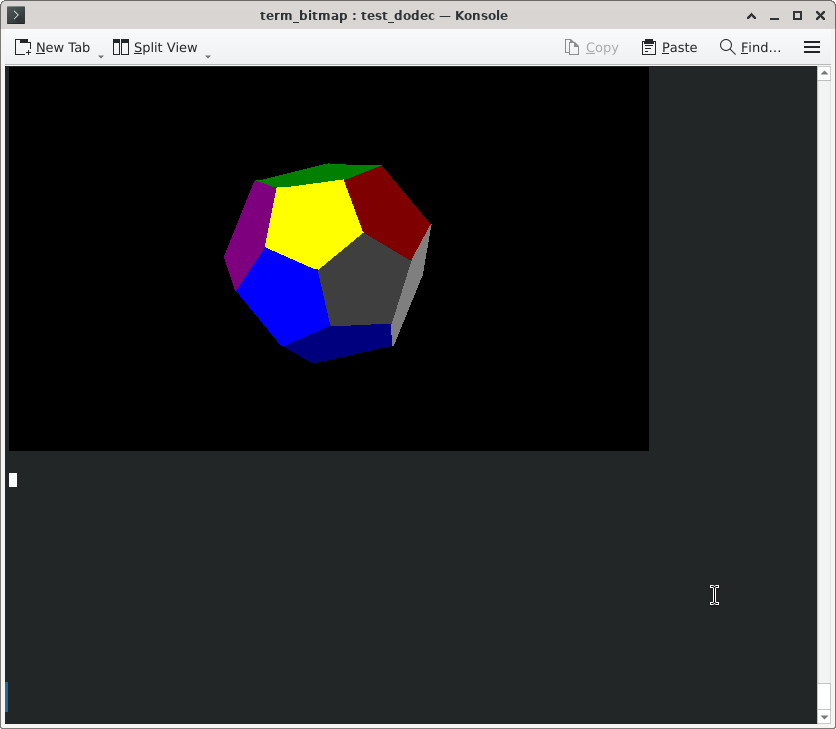
Using sixels, a spinning dodecahedron with solid coloured polygons looks like this:
Architecture.
The library revolves around the tbm_bitmap_t data structure. This contains essential parameters of the bitmap, such as width, height, palette, graphics drawing protocol and of course a reference to the bitmap itself. The bitmap is an array of bytes, one per pixel, allowing for a maximum of 256 colours.. The data structure and the bitmap are not exposed to the public API (which uses void pointers to as references to it). All access to the data structure is through API functions.
For each drawing protocol, there is one tbm_out_*.c file, that contains a redraw function and a function to constrain bitmap sizes (for sixels we ensure the height is a multiple of six) and colour depths. The tbm_main.c file contains two switch statements that control the polymorphism.
The drawing protocol to use us mainly determined by the environment variable TBM_MODE. If this is not set, the TERM variable is used instead. However, many terminal emulators just provide xterm-256color in this variable, making it not very practical to find out what is actually supported. Therefore, in most cases the user must set the TBM_MODE variable.
A program using the library will typically call tbm_get_recommended() first, which provides a recommended drawing protocol and estimates of the resolution and colour depth supported. This function checks the TBM_MODE and TERM variables as described above. Using the parameters just obtained, it calls tbm_new_screen(), to create an empty bitmap. The function tbm_redraw() will actually show the bitmap on the screen.
The functions tbm_plotdot(), tbm_lineto(), tbm_triangle(), tbm_circle() and tbm_plottext() actually draw things into the bitmap. Any updates will not be visible until tbm_redraw() is called. Animations are possible, including simple games, like we did on the old 8-bit machines.
FORTH
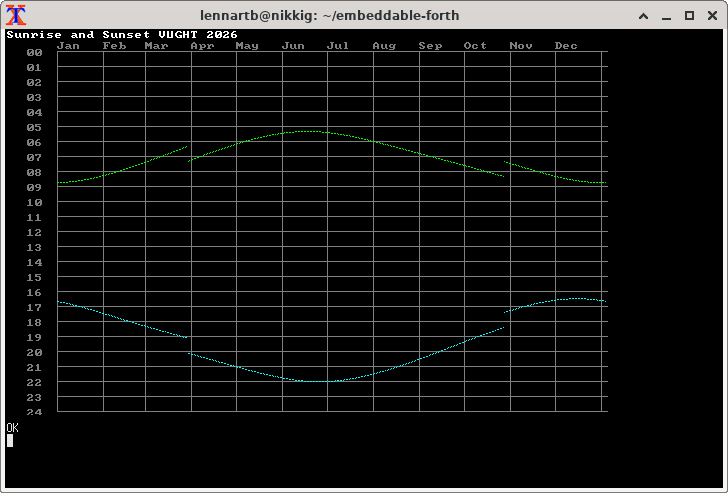
One of the programs that links with our new library is my embeddable FORTH. https://github.com/lennart-benschop/embeddable-forth. It can now draw graphics interactively. I ported a few programs from Agon FORTH. The below picture shows a graph of sunrise and sunset times over the year 2026:
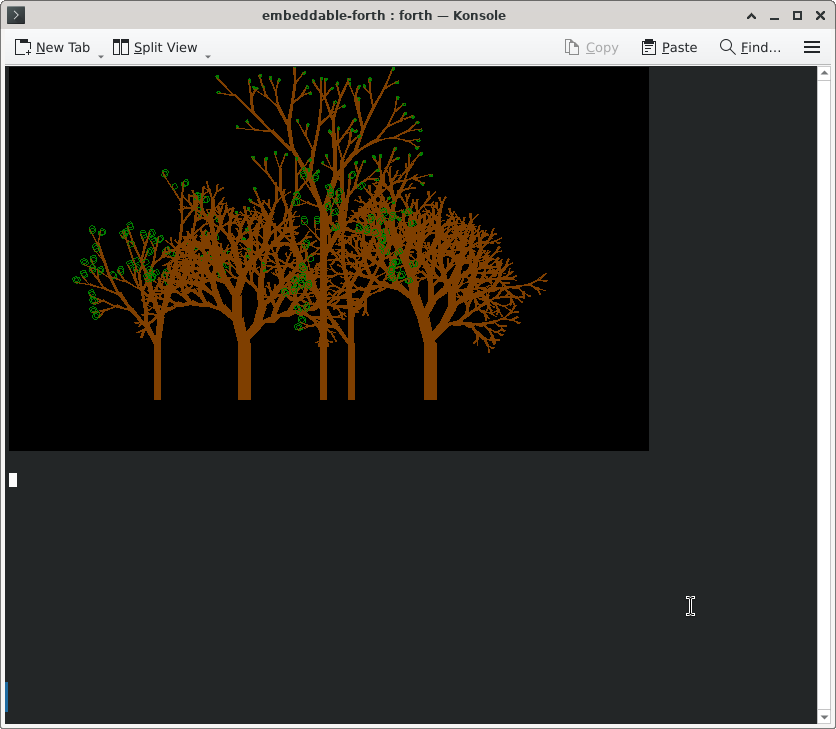
The picture below shows some trees being drawn algorithmically, also in FORTH:
Leave a Reply